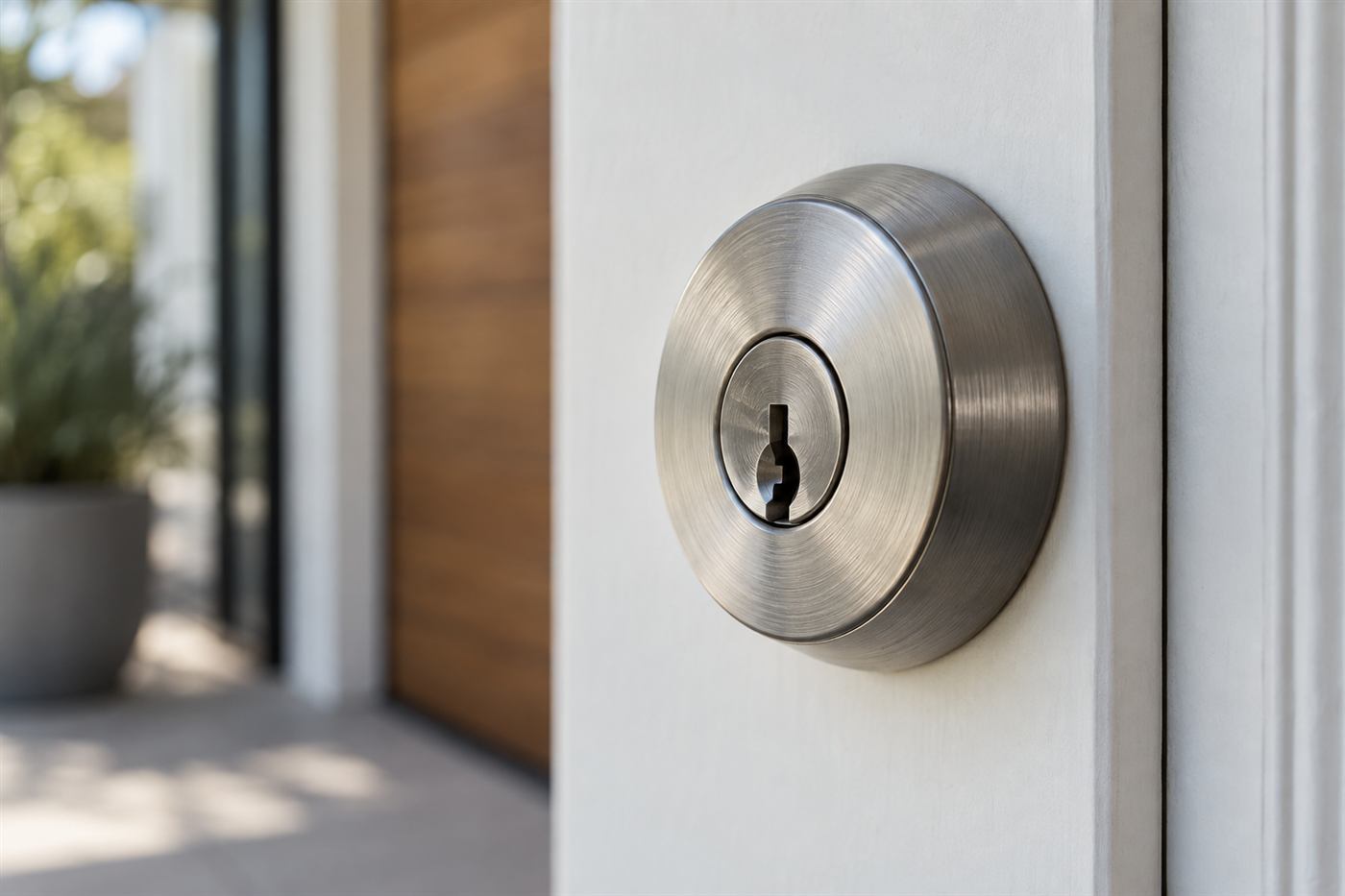
What access control does for a small office
Access control is a way of deciding who can open which door and when, then keeping a record of what happened. Instead of a metal key, each person carries a credential, such as a card, a fob, a phone, or a personal entry number. A reader at the door checks the credential, a controller decides whether to allow it, and an electric lock or strike releases the door. If the credential is lost, an administrator turns it off, and nobody needs to rekey a single lock.
For a small office, the benefit is usually practical rather than high-tech. Staff turnover is easier because you disable one credential instead of collecting keys. Different people can have different hours, so the cleaning crew enters in the evening and the interns only during the day. A record of entries helps answer ordinary questions, such as who unlocked the supply room on Friday night. These are management advantages, and they are often the real reason an owner buys a system.
Access control is not a complete security plan on its own. A reader on a door with a weak frame, a poor latch or an unlocked back entrance does little. It works best as one layer alongside sound door hardware, good key habits for the doors that remain mechanical, and sensible policies. Our overview of access control service describes how installation and repair fit together.
The parts of a system, explained
Every system has four main parts. Credentials are the items people carry. Readers are mounted at the door and read the credential. A controller, sometimes built into the reader and sometimes a separate box, holds the rules and makes the decision. The locking device is the hardware that secures the door, such as an electric strike, an electrified lockset or a magnetic lock. Wiring, power supplies and software connect the pieces.
Most small offices choose between a few architectures. A standalone system keeps the rules inside each reader or lock, and an administrator updates each door directly, which suits one to three doors. A networked system links the doors to a central controller or a cloud service, so you manage everything from one screen, which suits several doors, multiple tenants or a need for reports. A hybrid mixes both.
Software matters as much as hardware. Look at how easy it is to add or remove a person, to set schedules, to pull a report, and to get help. A system that your office manager finds frustrating will not be used properly, and unused features are wasted money. During a demonstration, ask the vendor to show the exact steps you will do each week.
Choosing credentials
Credentials come in several forms, and each has trade-offs. Proximity cards and fobs are common, inexpensive to replace and easy for staff to understand. Smart cards use stronger encryption and are harder to clone. Mobile credentials let a phone act as the card, which removes the cost of plastic and makes it easy to issue or revoke remotely. Keypads use a personal entry number and need no hardware to carry, but numbers can be shared or watched.
Think about who the users are. Regular employees may prefer a phone, while a visiting contractor might be given a temporary card or a number that expires. Medical, financial or legal offices handling sensitive records may want two factors, such as a card plus an entry number at a particular door. Older proximity technologies are widely used, and some are easier to copy than newer ones, so ask the vendor which format they recommend and why.
Plan for loss. A credential will be left in a coat, dropped in a parking lot, or taken home by a former employee. A good system lets an administrator disable a single credential in seconds and issue a new one. Keep a log of who holds which credential, and require staff to report a missing one right away. Our guide to keeping keys organized applies to the mechanical keys that remain in your building as well.
Readers and door hardware
The reader is the part people touch, but the door hardware does the actual work of securing the opening. An electric strike replaces the standard strike plate and releases the latch when the system says yes. An electrified lever or mortise lock locks and unlocks the outside lever. A magnetic lock holds the door shut with a magnet. Each has advantages, and each has rules that affect how the door must behave in an emergency.
Exit is the critical point. People must be able to leave quickly without a credential. Many doors use a mechanical lever or a push bar that always allows unrestricted exit from inside, while the outside requires the credential. Magnetic locks must release reliably when a button is pushed, when a sensor trips and when power fails. Ask your local authority what your building needs, and read fire safety and door locks for the principles.
Match hardware to the door. A glass storefront, a hollow metal suite door and a heavy wood door each have different mounting options. A door that does not close fully, or has a loose frame, will give trouble no matter how good the reader is. A technician should check the door before a system is chosen, and the plan should include repairs where the door needs them. See our page on electronic lock service for what that work covers.
Audit trails: what you can learn and what to be careful about
An audit trail is the record the system keeps of each event: who badged, which door, what time, and whether the attempt was allowed or denied. For a small office, this is most useful for ordinary questions and for investigating incidents. If supplies go missing from a storeroom, the log shows who opened it that week. If a door was found propped open at night, the log shows the last person through.
Think carefully about how long records are kept, who can see them and what you do with them. Entry logs are information about people, and a business should have a short policy saying who may view reports and for what reason. Employees should know that entries are recorded. Check whether your state or industry has rules that apply to the records you keep, and ask a qualified adviser if you are unsure.
Do not expect a log to prove more than it can. It shows that a credential was used, not necessarily who held it. A card given to a friend still shows the employee's name. For doors where identity matters, consider a second factor, or pair the log with a camera, subject to the rules about recording in your workplace. A balanced approach gives you useful information without overreach.
Planning for power failure and storms
In Palm Beach County, planning for power loss is a necessity, not an option. Hurricane season, afternoon thunderstorms and ordinary utility trouble can drop power with little warning. An access control system should have a clear answer to the question, what does each door do when the power goes out? There are two basic behaviors. Fail-secure means the door stays locked, though people can always exit by the mechanical release. Fail-safe means the door unlocks when power is lost.
Which one you choose depends on the door. An exterior door that protects the office is usually fail-secure with unrestricted mechanical exit. A door that is part of a required exit path may need fail-safe behavior, depending on the rules that apply. These choices should be made door by door, with input from your building authority, and written into the plan.
Add backup power. A small battery backup keeps controllers and locks running through short outages, and a longer-lasting supply may be justified for a critical door. Test the battery at least once a year and replace it on schedule. Keep a mechanical override key for each electrified door in a controlled place, and make sure someone knows where it is. Our hurricane season door lock prep guide has more on preparing for a storm.
Cloud, local and hybrid systems
Many modern systems are managed through a cloud service, which means the rules and logs live on a vendor's servers and you manage them from any browser or phone. The benefits are convenience, automatic updates and remote administration. The trade-offs are an ongoing subscription, dependence on an internet connection for some features, and the need to trust the vendor with your data.
Local systems store everything on a controller inside your building. They can run without the internet, and you control the data directly. They may require more setup and more technical knowledge to maintain, and remote access can be limited unless configured. Hybrid systems keep door decisions local, so the doors work if the internet drops, while syncing to the cloud for management and reports.
Whichever style you choose, ask what happens if the vendor stops supporting the product, raises subscription costs, or goes out of business. Ask how you can export your data and whether another installer can service the hardware. Open standards and widely used equipment make future changes easier. A system that only one company can ever touch can become expensive and awkward to live with.
Questions to ask any vendor or installer
Good vendors welcome questions, and the answers tell you a lot. Ask what the whole system includes, and what is optional. Ask who maintains it, how service calls work, and what happens when a part fails. Ask for a plain list of ongoing fees. Quotes in our business are given by phone, and an on-site visit is needed for complex jobs, so be wary of anyone who promises a precise answer to a many-door system without seeing the doors.
Ask how credentials are issued, replaced and disabled. Ask how the system behaves on power loss and without the internet. Ask whether you own your data and whether you can change installers later. Ask whether the product is meant for commercial use, and whether the door hardware is suited to your doors. Ask for the names of manufacturers so you can look them up.
Verify credentials of anyone who will work in your building. Our guides on what to ask before hiring a locksmith and how to spot a trustworthy locksmith include checks that apply equally to access control installers, such as asking for identification, confirming the business name and getting terms in writing before work starts.
A starter checklist for a small office
Before you spend anything, write down what you are trying to solve. A clear goal keeps the project from growing into something you do not need. The list below helps you gather what a technician will want to know, and it works as a simple planning sheet for a meeting with your team.
Keep the list short and honest. Many offices need only one or two controlled doors and a better key plan for the rest. Start there, learn how your staff use it, and add doors later if the need is real. A modest system that people use correctly is better than an ambitious one that is ignored.
- List every door you want to control and note what each one protects.
- Decide who needs access, to which doors, and at what hours.
- Choose credential types for employees, visitors and contractors.
- Decide how long entry records are kept and who may review them.
- Confirm how each door behaves on power loss and how people exit.
- Choose local, cloud or hybrid management and ask about ongoing fees.
- Plan for credentials that are lost or for staff who leave.
- Inspect each door and frame, and plan repairs before installing hardware.
- Keep mechanical override keys in a controlled place.
Next steps
Access control is a good fit when key management has become a burden, when staff come and go, or when you need records for specific doors. It is a poor fit if the doors are in bad condition, the policies are not in place, or nobody has time to manage it. Start with the doors, the people and the rules, then pick the technology.
If you want to talk through your office, call and describe the doors, the number of people and what you hope to improve. The technician will explain what is feasible, whether a visit is needed to look at the doors, and give a quote by phone. For a more involved system, the on-site visit helps make sure the hardware suits your building.
Questions people ask
What is the difference between a card, a fob and a phone credential?
A card and a fob are physical items that a reader scans, and they work the same way. A phone credential uses an app and lets a phone open the door, which makes it easy to issue or cancel remotely. Each has trade-offs in cost, convenience and security, and the right choice depends on your staff and the doors involved.
Do I need a cloud system?
Not necessarily. Cloud systems offer remote management and automatic updates but usually involve ongoing fees and some reliance on the internet. Local systems keep data in the building and run without a connection. Hybrid systems keep door decisions local and sync for reports. Choose based on how many doors you have and how you prefer to manage them.
What happens to the doors if the power goes out?
It depends on how each door is set up. Fail-secure doors stay locked and allow exit by a mechanical release, while fail-safe doors unlock when power is lost. The choice should be made door by door, with your building authority's rules in mind. A battery backup keeps the system working through short outages.
Can access control replace all my keys?
Not always. Many offices keep mechanical keys for some doors, such as closets, cabinets or secondary entrances, and use access control for the main doors. A mixed approach is common. Any remaining keys still need a log and a plan for turnover, which our key control and master key guides explain.
How long should entry records be kept?
That is a policy decision for your business, and it may be affected by rules in your industry. Keep records long enough to answer real questions, limit who can see them, and tell employees that entries are recorded. If you are unsure what applies to you, ask a qualified adviser before setting a retention period.
How do I get a quote for an access control system?
Quotes are given only by phone. Call with the number of doors, the type of doors and what you want the system to do. A multi-door or complicated job needs an on-site visit so the technician can see the doors and frames. A service call charge applies and is explained on the phone before dispatch.
Describe the situation by phone and we will tell you what the job involves. Quotes are given by phone. Jobs that cannot be quoted without seeing them need a technician on site, and the service call charge is explained on the phone before anyone is dispatched.
(954) 906-9567